Fans







Corsair SP RGB Fan LED Controller
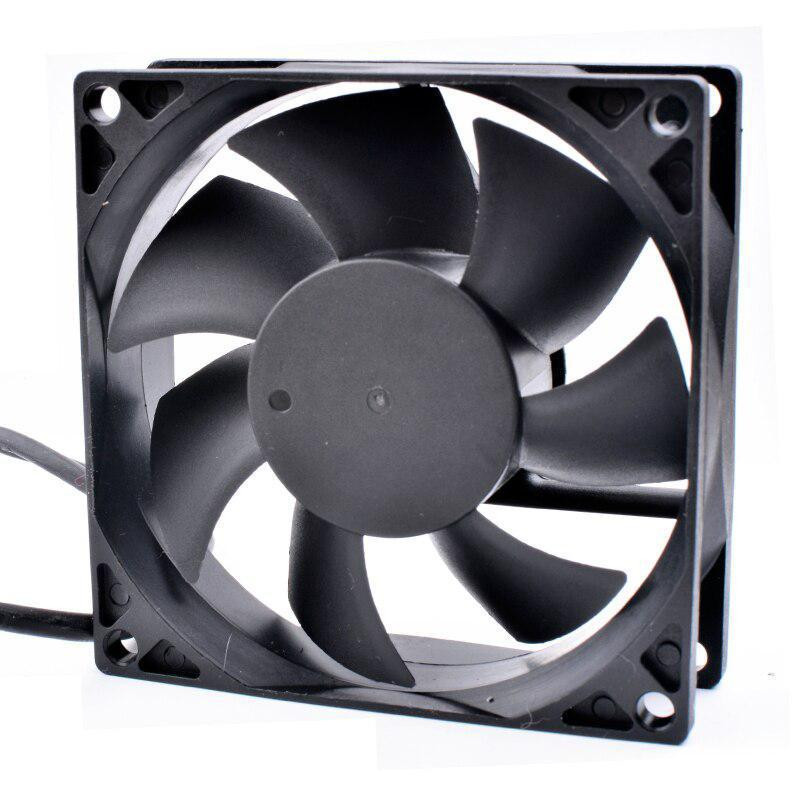

EK Water Blocks EK-Quantum Phase 120 DRGB White High Static Pressure PWM Fan

Phanteks M25 Gen2 140mm DRGB High-Airflow PWM Fan - White

Phanteks M25 Gen2 140mm DRGB Reverse Airflow PWM Fan - White


Noctua NF-F12 IndustrialPPC 2000RPM IP67 PWM 120mm High Performance Fan

Noctua NF-S12A PWM Fan - 120mm

Phanteks M25 Gen2 140mm High-Airflow PWM Fan - Black

Noctua NF-S12B REDUX 1200RPM 120mm Quiet Case Fan

HAVN H12 White PWM Fan - 120mm

HAVN H14 White PWM Triple Fan Pack - 140mm

HAVN H14 White PWM Fan - 140mm

Noctua NA-FC1 Fan Controller

Akasa Vegas RGB Controller Front Panel - Black

Cooler Master SickleFlow Edge 120 ARGB White PWM Triple Fan Pack - 120mm

Raijintek Auras 14 RGB LED Fan with Controller 140mm - 2 Pack

EK Water Blocks EK-Quantum Impulse 120 D-RGB 400-1800rpm PWM Fan - White

Lian Li USB 2.0 1-to-3 Hub (Type A Male Port) - Black

NZXT F280 RGB Core 280mm Single Frame Fan - Black

NZXT F360 RGB Core 360mm Single Frame - White

Protechnic MGT8012ZB-W25 80mm 4200RPM 12V Server PWM FAN - OEM


Phanteks D30 140mm DRGB PWM Triple Fan Pack - White

Cooler Master SickleFlow Edge 360 White ARGB PWM Fan - 360mm

Cryorig Crona S ARGB 120mm PWM Fan with Controller (400-1700rpm) - Black

EK Water Blocks EK-Vardar X3M Damper Pack for Vardar X3M Fan - Purple

Noiseblocker NB-eLoop X B12-PS ARGB White Edition - 120mm

Scythe Kaze Flex RGB 800rpm Fan - 120mm

Bitspower Touchaqua Notos Xtal 120 Digital RGB 1800rpm Fan - 120mm

Noctua NF-A12x25 LS-PWM Fan - 120mm


Phanteks SK140 White DRGB PWM Fan - 140mm Triple Pack

Cooler Master SickleFlow Edge 120 White ARGB PWM Fan - 120mm

Noiseblocker BlackSilent Pro Fan PK2 - 140mm (1200rpm)

Alphacool Apex Stealth Metal Fan 2000rpm White

Lian Li UNI FAN TL Wireless 140 White Fan - 140mm

NZXT F420 RGB Core 420mm Single Frame Fan - White

Phanteks M25 Gen2 140mm DRGB Reverse Airflow PWM Fan - Black
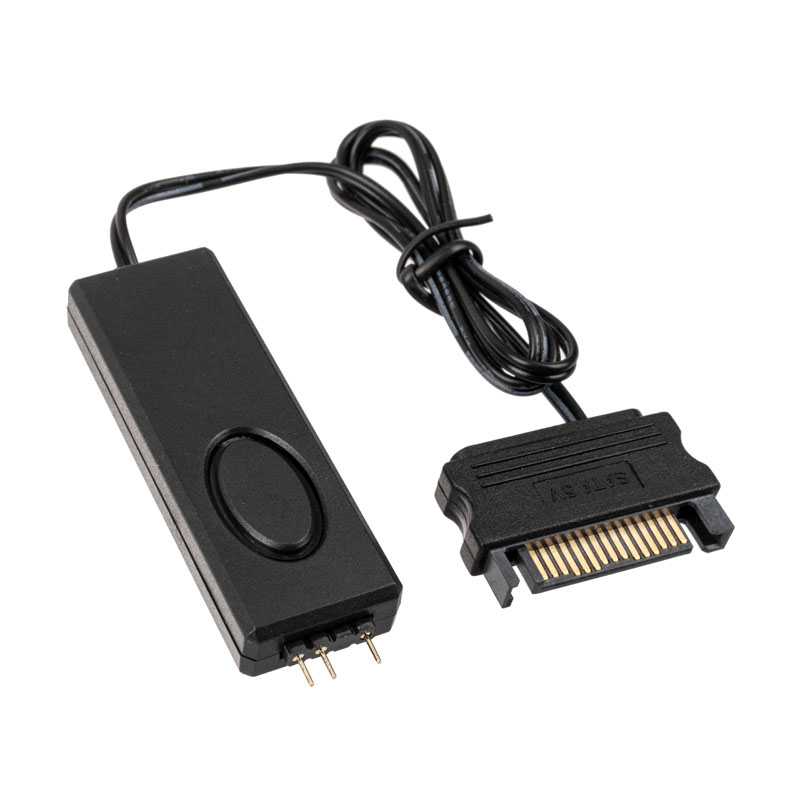
Jonsbo RC-01 Addressable ARGB (3pin) Controlller - Black
Fans
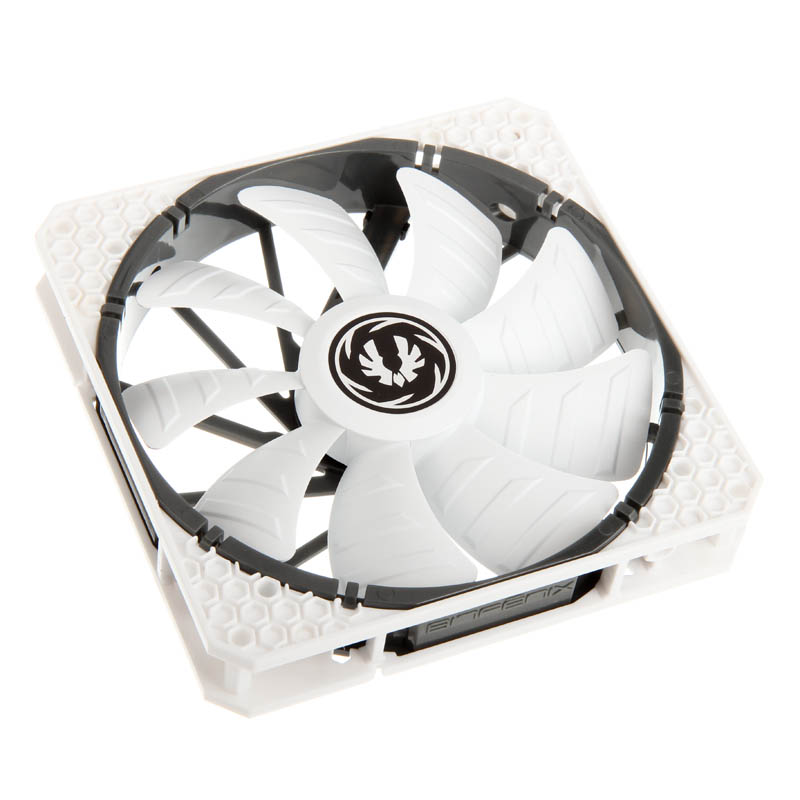
Create the ultimate cooling solution for your gaming PC, with Overclockers UK’s wide selection of fans. Discover a variety of models available from manufacturers including Lian Li, Phanteks, Corsair, be quiet!, and many more. Each fan has been precision engineered to provide optimum airflow whilst minimising noise and providing faultless performance for many hours of constant use. These factors maintain and allow your core components to operate at peak efficiency. Installing a fan is a simple task, usually requiring four screws to attach them to a dedicated bracket on your PC case. Furthermore, computer fans come in a wide range of sizes, from small 40mm models ideal for servers to large 200mm fans for tower cases. Moreover, you can find a broad range of shapes and styles, from a standard square frame to unique star shaped fans that have minimal frames. Fans can create a unique aesthetic within your build, coming in multiple colours and some being equipped with gorgeous RGB lighting.
DC Vs PWM
Fans generally come in one of two varieties, DC (Direct Current) and PWM (Pulse Width Modulation). Both offer exceptional performance but differ in how they are controlled.
DC fans receive a constant voltage over a 3-pin connection, meaning they operate at one speed. As a result, they will provide maximum cooling at all times, making them an ideal choice for computers that create large amounts of heat, such as servers. As they always operate at max output, DC fans maintain a constant noise level, even when your PC is running a light load. Plus, with a fan controller, you can adjust the voltage and speed of your fans, for near silent operation.
PWM fans have speed control built into their design. Utilising 4-pin headers, software, or fan controllers, you can adjust the voltage and speed of you PWM fans to suit your workloads. Thanks to this, if your PC is under a light load, the fans can reduce their speeds, or even switch off completely. When working on a heavy workload, then the fans can speed up for maximum cooling.

Want to Read More?
You have a set of fans ready to be installed into your case, but how should you mount them for the best cooling performance for your gaming PC? We're here to help, with this article that explores the different styles of airflow you can create in a case.
Read MoreFans FAQ
Where should I position my fans?
For the best cooling results, you should position your fans so that some function as intake, and the rest as exhaust. For intake, we recommend mounting fans at the front of your case or along the base, if your chassis supports this. For exhaust, it is best to place fans at the top and rear of your case. By doing this, you’ll generate airflow across all of your components, creating the optimum cooling potential.
Where do fans plug into?
Your fans will plug into the 3- (DC) or 4-pin (PWM) male fan headers on your motherboard, which will generally feature a number of headers. Alongside the pins is a raised piece of plastic which acts as a guide on how to correctly insert your fan cable.
Which way do fans blow?
In general, fans pull air through their open side and exhaust through the side with the struts that hold the fan hub in place. You can also find fans that offer reverse airflow, which pull through the cage of the fan and exhaust out the open side. This allows you to create an aesthetically pleasing arrangement within your case.
How loud are fans?
Usually, the noise of a fan depends on their size. The larger they are, the slower they can spin to produce optimum airflow. The most popular fans for gaming PCs are 120mm and 140mm. At these sizes, fans generally reach maximum speeds of over 2000RPM where noise levels are around 30-40dB(A).
The Overclockers Difference

Innovative Products and Exclusive Brands
Overclockers UK not only offers next day delivery on thousands of products but also stocks exclusive brands from cutting-edge manufacturers including AMD, Intel, Asus, Gigabyte, Team Group and an ever-growing range of ultimate performance overclocked elite-tier hardware approved by 8 Pack.

Industry Leading Customer Support
Whether you are after advice, product information or even aftersales support we are here for you. Overclockers UK offers unparalleled customer service which is available across multiple platforms including telephone, social media, email, webnotes, live chat, and even a dedicated section on Overclockers forum. We even offer a 3 year warranty on our own PC's.

5 Star Service
Overclockers UK are rated one of the top PC, hardware and peripheral retailers in the country. From premium products to a personal shopping experience. You can trust us to deliver an unbeatable 5-star service.
Subscribe and Save

Subscribe to the Newsletter
Sign up to our weekly newsletter and get the latest news, offers, and deals directly to your inbox. Don't worry you can unsubscribe at anytime.
Stay Up To Date
Keep me up to date with the latest news, product launches and promotions
* Required field
Our customers know our services and this is reflected in the rating they give us. Leave us your opinion and help us to improve it.
What our customers say about us