Monitors by Refresh Rate










Samsung 32" LS32BG750NPXXU G75NB 3840x2160 VA Mini-LED 165Hz Odyssey Gaming Monitor


BenQ 27" PD2705Q 2560x1440 IPS 60Hz sRGB 100% HDR Design and Productivity Monitor
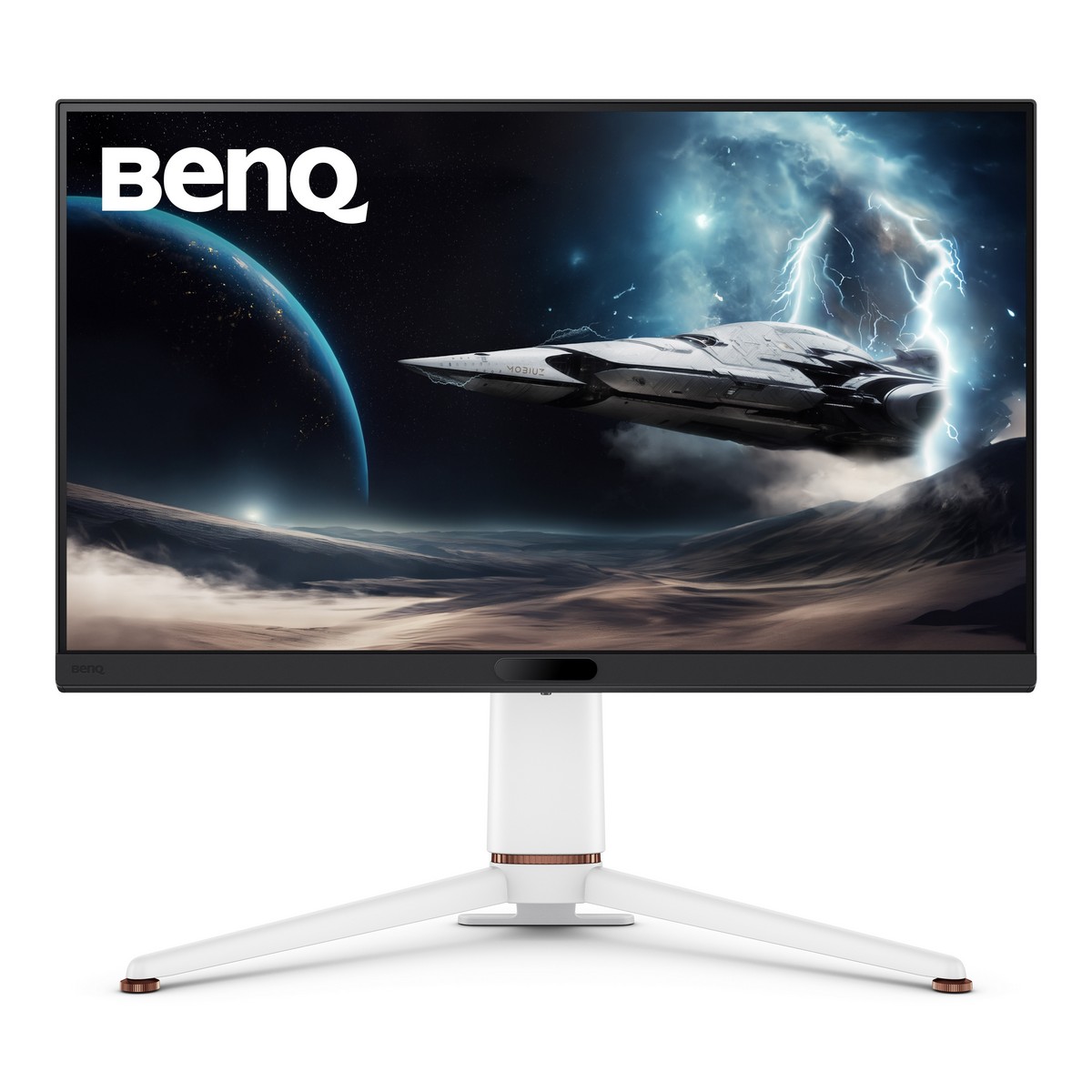

BenQ 27" MOBIUZ EX271U IPS 3840x2160 165Hz 1ms A-Sync USB-C HDMI 2.1 Widescreen Gaming Monitor

AOC Agon Pro 27" AG276QSG2 2560x1440 Fast IPS 360Hz 0.3ms Nvidia G-Sync Pulsar Widescreen Gaming Monitor


LG 24" 24BA450-B 1920x1080 IPS 100Hz 1ms Full HD Monitor


Gigabyte 34" MO34WQC 3440x1440 OLED 175Hz 0.03ms FreeSync HDMI 2.1 Widescreen Gaming Moni

MSI 27" MAG 274F 1920x1080 Rapid IPS 200Hz 0.5ms Adaptive Sync Widescreen Gaming Monitor

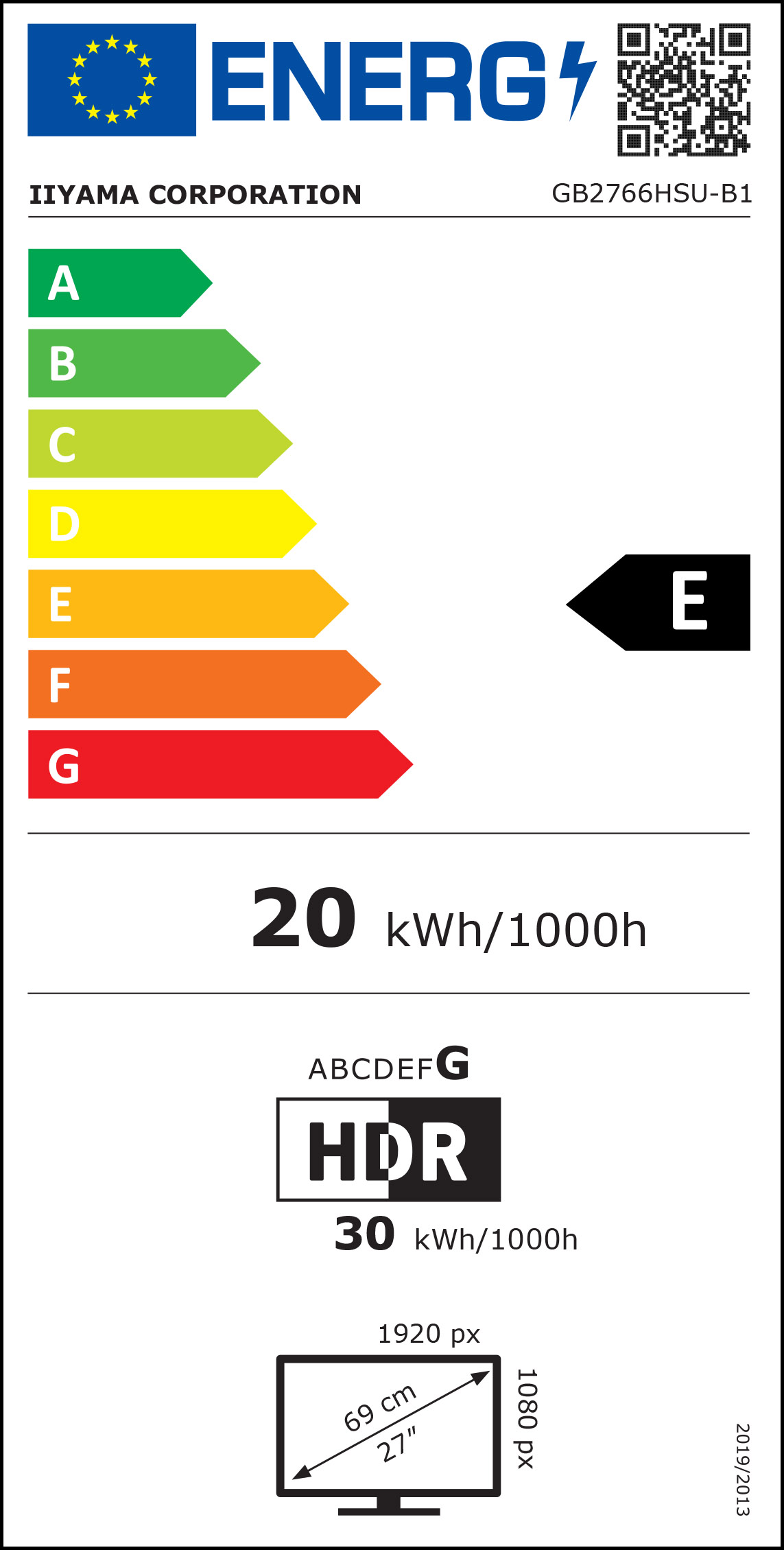
iiyama 27" GB2766HSU-B1 1920x1080 VA 165Hz 1ms FreeSync Premium Curved LED Backlit Widescreen Gaming

Lenovo 24" L24m-4A 1920x1080 IPS 100Hz 1ms USB-C Widescreen Monitor

BenQ 27" MOBIUZ EX271 1920x1080 IPS 180Hz 1ms FreeSync HDR400 Gaming Monitor

MSI 25" PRO MP252L 1920x1080 IPS 100Hz Flat Monitor - Black


iiyama 27" G-Master GB2770HSU-B6 1920x1080 Fast IPS 180Hz 0.2ms FreeSync Gaming


ASUS ROG Strix QD-OLED XG27UQDMS 27" 4K (3840x2160) 240Hz 0.03ms FreeSync/G-SYNC Widescreen Gaming Monitor


Samsung 25" LS25BG400EUXXU G40B 1920x1080 IPS 240Hz 1ms Odyssey Gaming Monitor

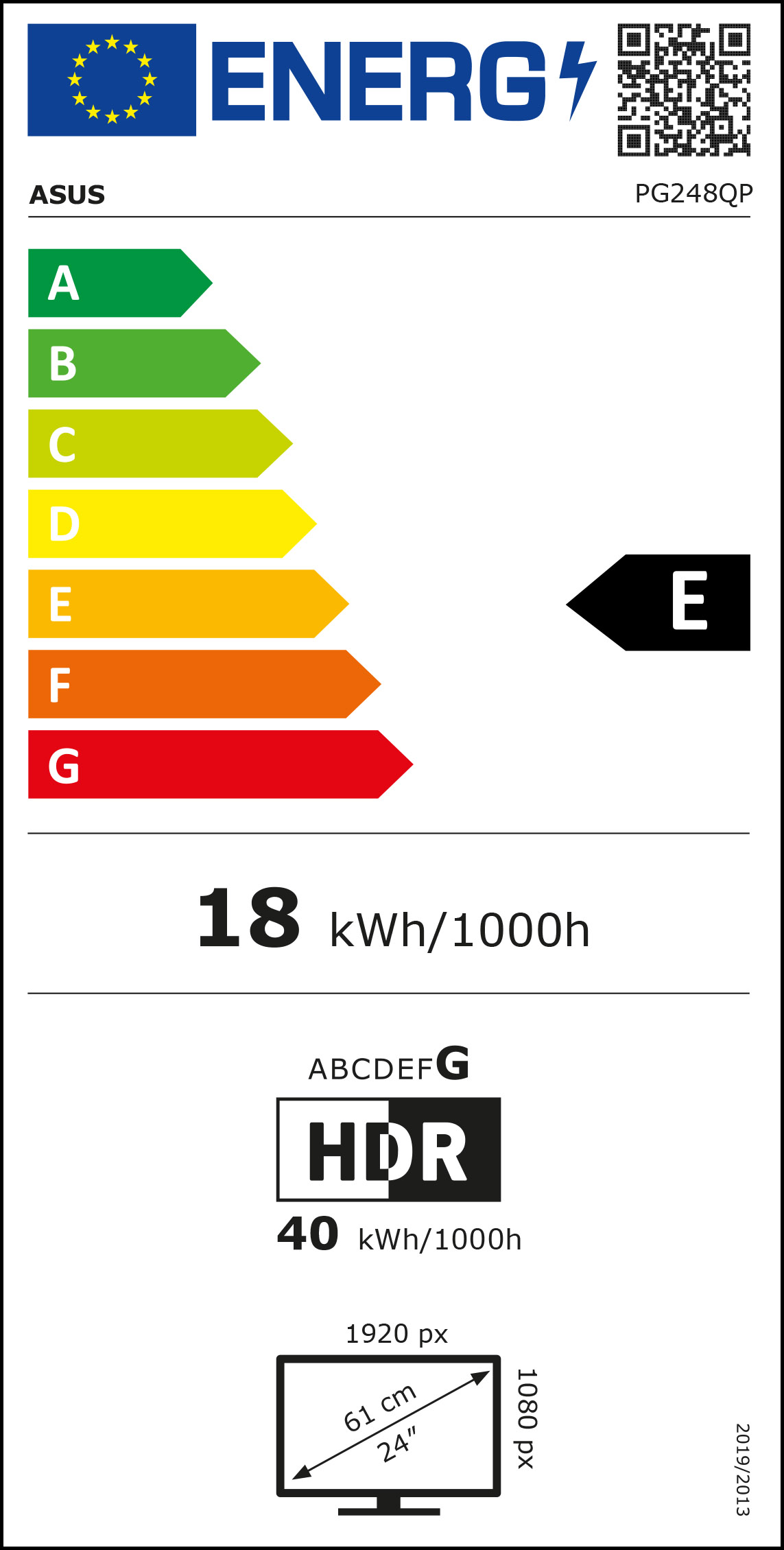
ASUS PG248QP 24" 1920x1080 TN 540Hz 0.2ms G-Sync HDR Widescreen Gaming Monitor

SONY INZONE M9 II 27" 4K 3840x2160 IPS 160Hz 1ms Adaptive Sync G-SYNC Compatible Widescreen Gaming Monitor


ASUS TUF Gaming VG27VQ3B 27" 1920x1080 VA 180Hz 1ms FreeSync Gaming Monitor


BenQ MOBIUZ EX271UZ 27" 3840x2160 4K QD-OLED 240Hz 0.03ms HDMI 2.1 Widescreen Gaming Monitor

ASUS TUF Gaming VG259QL5A 25" 1920x1080 IPS 200Hz 0.3ms Adaptive Sync Widescreen Gaming Monitor

MSI 32" MAG 32C6X 1920x1080 VA 250Hz 1ms A-Sync Curved Gaming Monitor

Samsung Odyssey G7 G75F 40" WUHD VA 180Hz 1ms FreeSync Premium Curved UIltrawide Gaming Monitor


GIGABYTE GS27FC2 27" 1920x1080 VA 240Hz 1ms Adaptive Sync Curved Widescreen Gaming Monitor

LG 32" 32GR93U-B 3840x2160 IPS 144Hz 1ms FreeSync/G-Sync HDMI 2.1 Widescreen Gaming Monitor

GIGABYTE MO27Q3 27” OLED 2K QHD 360Hz 0.03ms FreeSync Premium Pro Widescreen Gaming Monitor

Gigabyte 27" GS27FA 1920x1080 FHD 180Hz 1ms SS IPS AMD FreeSync HDR Ready Widescreen Gaming Monitor


ASUS VA249HG 24" 1920x1080 IPS 120Hz 1ms A-Sync Widescreen Gaming Monitor


Samsung Odyssey G5 G53F 27" QHD IPS 200Hz FreeSync HDR10 Widescreen Gaming Monitor

ASUS ROG Strix OLED XG27AQDPG 27" 2560x1440 QD-OLED 500Hz FreeSync/G-SYNC HDMI 2.1 Widescreen Gaming Monitor

Acer KB242Y P0 23.8” 1920x1080 VA 144Hz FreeSync Widescreen Gaming Monitor


ASUS 27" PG27AQDP 2560x1440 OLED 480Hz 0.03ms FreeSync HDMI 2.1 Gaming Monitor


GIGABYTE GS25F14 24.5" FHD 144Hz 1ms SS IPS FreeSync Widescreen Gaming Monitor


Samsung Odyssey OLED G6 G60SF 27" QHD QD-OLED 500Hz 0.03ms G-SYNC Widescreen Gaming Monitor

iiyama G-Master GCB3486WQSU-B1 Red Eagle 34" 3440x1440 VA 0.4ms 180Hz FreeSync Curved Ultrawide Gaming Monitor


iiyama G-Master GB2771UHSU-B1 27" 4K 3840x2160 1920x1080 IPS Dual Mode 288Hz 144Hz G-Sync HDMI 2.1 Widescreen Gaming Monitor

Acer 24" Nitro KG241YX3bip 1920x1080 VA 200Hz 1ms Freesync Premium Pro Widescreen Gaming Monitor


Acer 24" QG241YX1bmiipx 1920x1080 IPS 200Hz 0.5ms Freesync Widescreen Gaming Monitor


BenQ 25" Zowie XL2540K 1920x1080 TN 240Hz 1ms Widescreen Gaming Monitor

GIGABYTE GS24F14A 24" FHD 144Hz (175Hz OC) 1ms A-Sync HDR10 Widescreen Gaming Monitor


ASUS TUF Gaming VG259Q5A 25" 1920x1080 Fast IPS 200Hz 0.3ms Adaptive Sync ELMB Widescreen Gaming Monitor

ASUS ROG Swift 32" PG32UCDP 3840x2160 WOLED 240Hz 0.03ms A-Sync Widescreen Gaming Monitor
Monitors By Refresh Rate
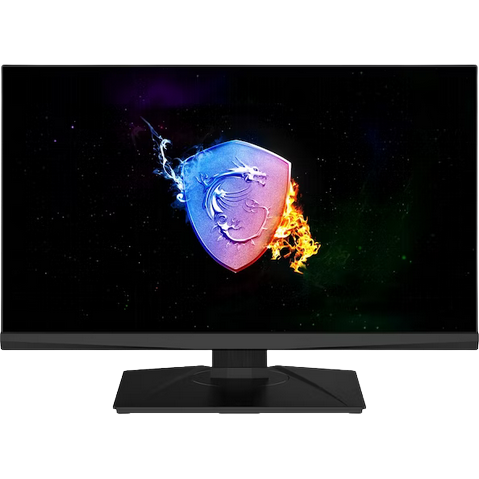
Level up your gaming experience with a high refresh rate monitor. Thanks to their low response times alongside super high refresh rate of up to 360Hz, these gaming monitors help to notably improve your performance. In esports and AAA titles such as CS:GO, and Valorant, you can benefit from reduced screen tearing, motion blur, and display stutter. This all helps to provide you with a competitive edge. Overclockers UK have an extensive range of gaming monitors with high refresh rates including, 60Hz, 120Hz, 144Hz, 240Hz, and 360Hz.
What is Refresh Rate?
A monitor's refresh rate is measured in hertz (Hz). The number such as 240Hz simply refers to the number of times the display refreshes and redraws every pixel per second. High refresh rates accompanied by similarly high frames per second (FPS) in-game allow your monitor to show you what is happening in do-or-die clutch moments faster. A high refresh rate monitor can provide you with a notable competitive edge over some of your opponents in AAA and esports games.
Benefits of a high refresh rate monitor
- Better Motion Resolution: One of the main advantages of a higher refresh rate monitor is improved motion resolution. Simply put, this is the perceived sharpness of a moving image. To create a moving image, your brain blends different frames together. A high refresh rate monitor helps create more detail by providing more information to our brains.
- Less Screen Tearing: Screen tearing is caused by a difference in monitor refresh rate and PC FPS. When your frame rate exceeds the monitor's refresh rate, screen tearing can occur. This is when half frames appear on the screen momentarily. Whilst they last less than a second, it can be a huge distraction, especially for gamers.
- Increased Responsiveness: Your monitors refresh rate also affects input lag. This is the delay between the monitor receiving a signal and it being displayed on the screen. For example, the input of a 60Hz monitor will never go below 16.67ms, since that's the amount of time it takes to pass from one refresh to the next. In contrast, a 240Hz monitor will cut that time to 4.17ms. This might not seem significant, but it is an important consideration for hardcore gamers who want their games to run as smoothly as possible.
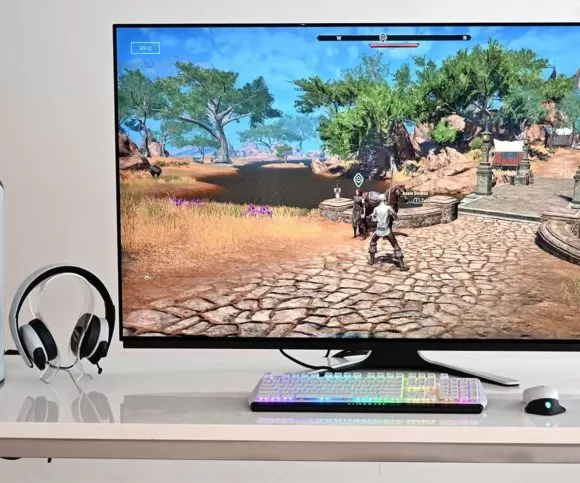
Want to Read More?
When it comes to upgrading your monitor, there are many important factors to consider. To choose the perfect monitor, you will need to consider LCD vs OLED, the different types of monitor panels, and the advantages or disadvantages of each.
Read MoreMonitors By Hz FAQ
What does Hz mean for monitors?
Hertz or Hz refers to how many times a monitor refreshes every pixel per second. For example, a 240Hz gaming monitor, refreshes 240 times every second.
Is 144Hz or 240Hz better?
The higher the refresh rate, the smoother and less motion blur you'll see in-game. However, unless your gaming PC can achieve a similar FPS in-game to your monitor's refresh rate, you won't get the full advantage of the higher refresh rate. Choosing the right monitor depends on what games you play alongside what settings and resolution you game at.
Is a high refresh rate good for a monitor?
A higher refresh rate monitor means you'll have a smoother-looking screen in-game with noticeably less motion blur, screen tearing, and more.
The Overclockers Difference

Innovative Products and Exclusive Brands
Overclockers UK not only offers next day delivery on thousands of products but also stocks exclusive brands from cutting-edge manufacturers including AMD, Intel, Asus, Gigabyte, Team Group and an ever-growing range of ultimate performance overclocked elite-tier hardware approved by 8 Pack.

Industry Leading Customer Support
Whether you are after advice, product information or even aftersales support we are here for you. Overclockers UK offers unparalleled customer service which is available across multiple platforms including telephone, social media, email, webnotes, live chat, and even a dedicated section on Overclockers forum. We even offer a 3 year warranty on our own PC's.

5 Star Service
Overclockers UK are rated one of the top PC, hardware and peripheral retailers in the country. From premium products to a personal shopping experience. You can trust us to deliver an unbeatable 5-star service.
Subscribe and Save

Subscribe to the Newsletter
Sign up to our weekly newsletter and get the latest news, offers, and deals directly to your inbox. Don't worry you can unsubscribe at anytime.
Stay Up To Date
Keep me up to date with the latest news, product launches and promotions
* Required field
Our customers know our services and this is reflected in the rating they give us. Leave us your opinion and help us to improve it.
What our customers say about us